Guard clocking app
Book on at the post, or not at all.
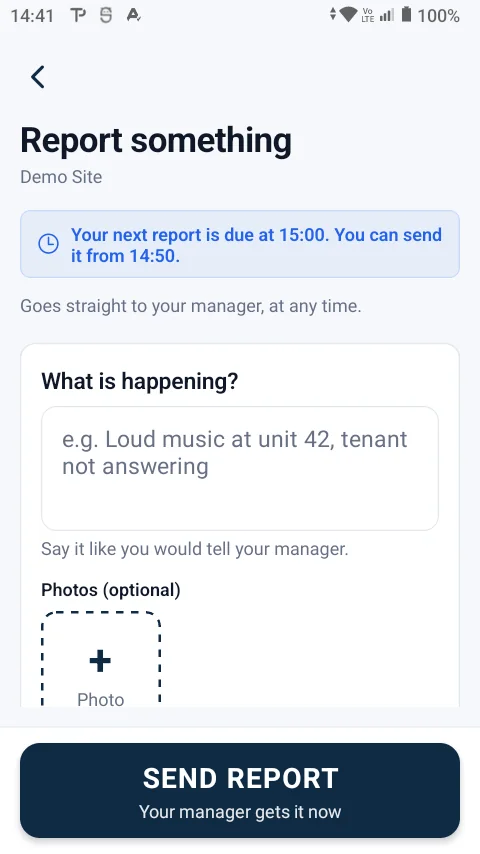
With Truepost a guard books on and off with the phone they already carry. The app takes the booking only at the site, with location on, and keeps the proof: where, when and a photo.
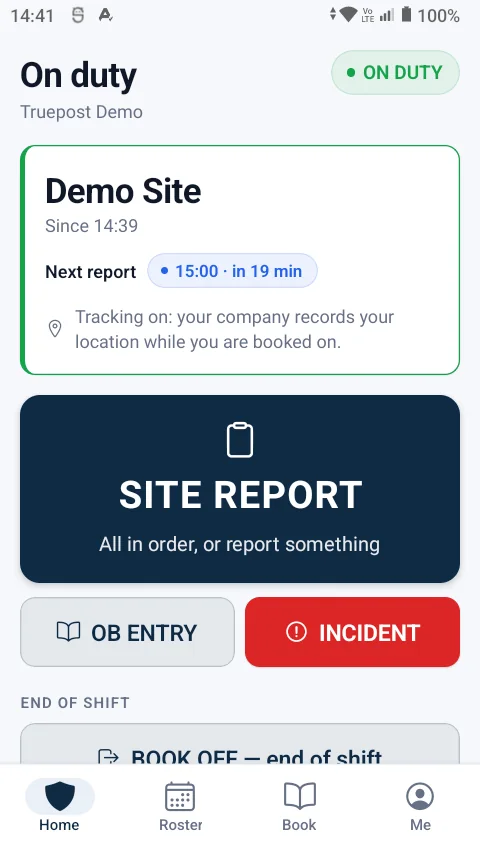
Only at the site
A book-on from home, from the taxi or with location switched off is refused on the phone, in plain words that say why.
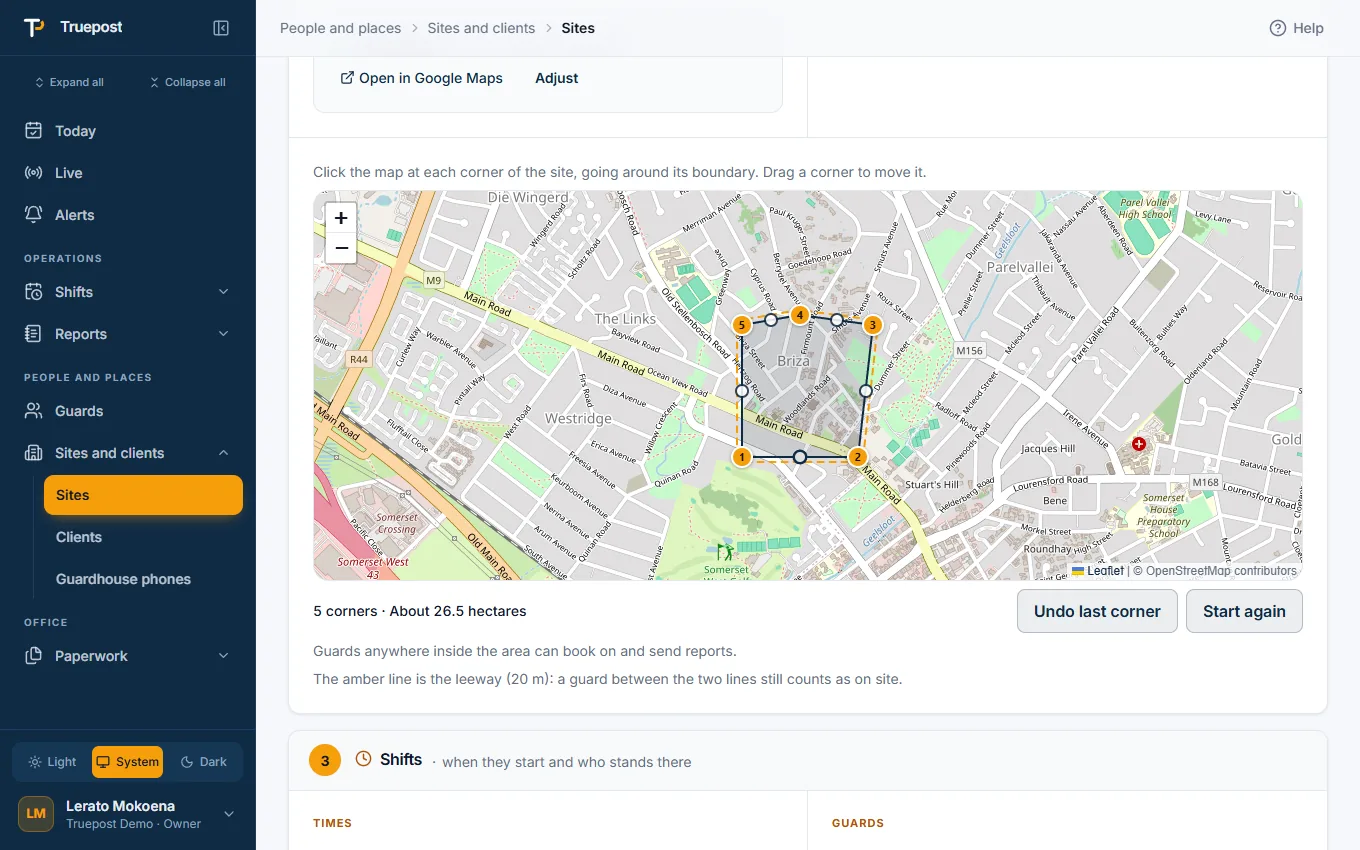
- Inside the site's line. The site's own area, drawn on the map, or a simple circle for a very small site. The leeway you choose applies all the way round it.
- A fresh, real position. Location must be on, the position must be new, and a fake-location app is refused.
- A photo with it. A selfie and a photo of the post go with the book-on, so the office sees who is standing there.
- A QR code at the guardhouse, if you want one: the guard scans it to book on and off at that site.
The right shift, at the right time
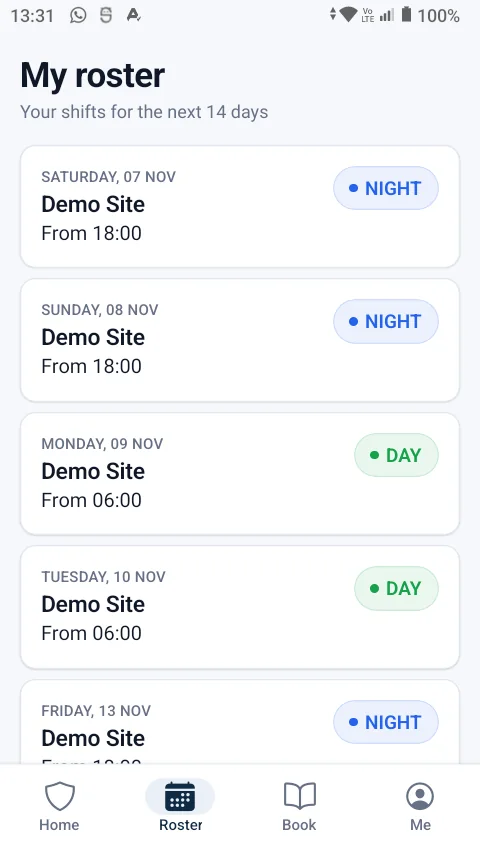
A guard can only book on to the shift the office posted them for, and only when that shift is about to start.
- Booking on opens before the shift, 30 minutes by default. Your company chooses, and a site can have its own time.
- Reminders on the phone before the shift and at the start, also without signal.
- Late and absent are said once, clearly. The guard is told, then the office, then the guard is marked absent and only the office can book them on.
- Booking off opens near the end of the shift, or when the relief has booked on.
When a guard cannot use their own phone
No smartphone, a flat battery, a broken screen: the post is still covered and still recorded.
- A shared guardhouse phone. Enrol one phone at the site and every guard posted there books on with it.
- The office books on for them. A controller or supervisor books the guard on or off from the website or the app, and the record says who did it.
- No signal. The book-on is saved on the phone with its own time and sent when signal returns. Nothing arrives twice.
What you do not need
No clocking hardware
No batons, tags, biometric readers or radios to buy, install and replace. The guard's Android phone is the device.
No constant signal
Everything a guard does is saved on the phone first. Reminders ring because they are set on the phone itself.
No expensive phones
The app is built for entry-level Android phones and uses little data.
Questions
Asked before signing up
Can a guard book on from home?
No. The guard's own book-on is taken only at the site, with location on and a fresh position that does not come from a fake-location app. Away from the site the phone says how far away they are and to phone the office.
What if the site is large, like an estate or a farm?
Draw the site's area on the map instead of using a circle. A guard anywhere inside the area, at the far gate too, counts as on site.
What if a guard has no smartphone?
Enrol a shared phone at the guardhouse, or let the office book the guard on and off. Both are recorded as what they are.
Does it work on iPhone?
The guard app is for Android. Owners, managers and controllers can use the website on any phone, tablet or computer, including an iPhone.
More of the app
It all works together
Guard monitoring
A live board and map, site reports, night wake checks, and alerts the moment something is wrong.
Read moreRoster and posting sheets
Plan the month per site, fill a shift pattern in one go, and let the posting sheet make itself.
Read moreOccurrence book and incidents
A digital OB nobody can edit, incident reports with photos, and a daily report for each client.
Read moreTry it with your own sites and guards.
14-day free trial, up to 10 guards, no card needed. Register your company and be set up the same day.